Palindrome Python Guide: Check Strings and Numbers
Learn palindrome Python methods for strings and numbers using slicing, loops, functions, recursion, text normalization, and practical examples for beginners.
Table of Contents ▼
- Quick Summary
- Decide What Counts as a Match
- Palindrome Python Method 1: Reverse With Slicing
- Clean a Phrase Before Comparing It
- Check a Palindrome Without Slicing
- Check a Palindrome Number Without String Conversion
- Two More Useful Approaches
- Compare the Main Python Methods
- Test More Than the Successful Example
- Mistakes That Produce Surprising Results
- Frequently Asked Questions
- What is the shortest way to check a palindrome in Python?
- How can I check a string palindrome using a for loop?
- Does Python have a built-in palindrome function?
- How do I ignore spaces and punctuation?
- Can a negative number be a palindrome?
- Is slicing faster than a loop?
- Select the Method That Fits the Rule
A palindrome Python program decides whether text or a number stays identical when read in reverse. Python makes the simplest string check surprisingly short: compare the original value with text[::-1]. If both strings match, the result is a palindrome.
That one-line test works well for a single lowercase word, but real input often needs more thought. Should Rotor match despite its capital letter? Should spaces and commas be ignored in a phrase? Should a negative integer count? The correct code depends on those rules. This guide begins with Python’s concise slicing syntax, then builds a cleaner phrase checker, a two-pointer solution, an arithmetic method for numbers, and alternatives using reversed() and recursion. Every example runs in Python 3 and includes the reasoning needed to adapt it safely.
Quick Summary
For a basic string, use text == text[::-1]. The slice [::-1] reads the sequence from end to beginning. Before checking a sentence, normalize it with casefold() and isalnum(). If slicing is not allowed, compare characters from both ends. For an integer-only exercise, reverse its digits with % and //.
Decide What Counts as a Match
Palindrome checks can be strict or normalized. A strict check compares every character exactly as entered. Under that rule, Rotor fails because uppercase R and lowercase r differ. A space, apostrophe, or punctuation mark also affects the result.
A normalized checker applies rules before comparison. It may:
- Treat uppercase and lowercase letters as equivalent
- Remove spaces and punctuation
- Retain letters and digits only
- Reject an empty result after cleaning
Neither policy is universally correct. A programming assignment may want exact character matching, while a phrase checker normally ignores formatting. State the rule in the function name, documentation, or surrounding explanation so users know what True means.
Palindrome Python Method 1: Reverse With Slicing
Python’s slice form is sequence[start:stop:step]. Leaving start and stop blank selects the whole string. A step of -1 walks through it backward, so text[::-1] creates a reversed copy.
text = input("Enter a word: ").casefold()

if text == text[::-1]:
    print(f"{text!r} is a palindrome.")
else:
    print(f"{text!r} is not a palindrome.")
Sample output:
Enter a word: Rotator
'rotator' is a palindrome.
casefold() is similar to lower(), but it is designed for caseless matching across a wider range of Unicode text. The comparison takes O(n) time because Python must create and compare the reversed string. That copy also requires O(n) auxiliary space.
The same idea fits neatly inside a reusable Python palindrome function:
def is_palindrome(text: str) -> bool:
    return text == text[::-1]

print(is_palindrome("refer"))   # True
print(is_palindrome("coding"))  # False
This function performs a strict comparison. It does not change case or remove punctuation.

Figure 1: Slicing with [::-1] creates a reverse mirror of the original sequence.
Clean a Phrase Before Comparing It
For sentences, build a normalized string first. isalnum() keeps Unicode letters and digits, while the generator expression avoids constructing an unnecessary intermediate list.
def normalize(text: str) -> str:
    return "".join(
        character.casefold()
        for character in text
        if character.isalnum()
    )

def is_phrase_palindrome(text: str) -> bool:
    cleaned_text = normalize(text)
    return bool(cleaned_text) and cleaned_text == cleaned_text[::-1]

phrase = input("Enter a word or phrase: ")

if is_phrase_palindrome(phrase):
    print("The input is a palindrome after normalization.")
else:
    print("The input is not a palindrome.")
Sample output:
Enter a word or phrase: No lemon, no melon!
The input is a palindrome after normalization.
The bool(cleaned_text) condition makes an empty string or punctuation-only input return False. Some definitions consider the empty string a palindrome because it reads the same in either direction. If that convention suits your task, remove the Boolean check.
Normalization and reversal each take O(n) time. The cleaned and reversed strings use O(n) space. This version is often more useful than a classroom one-liner because it defines how case, spaces, symbols, and empty input are handled.
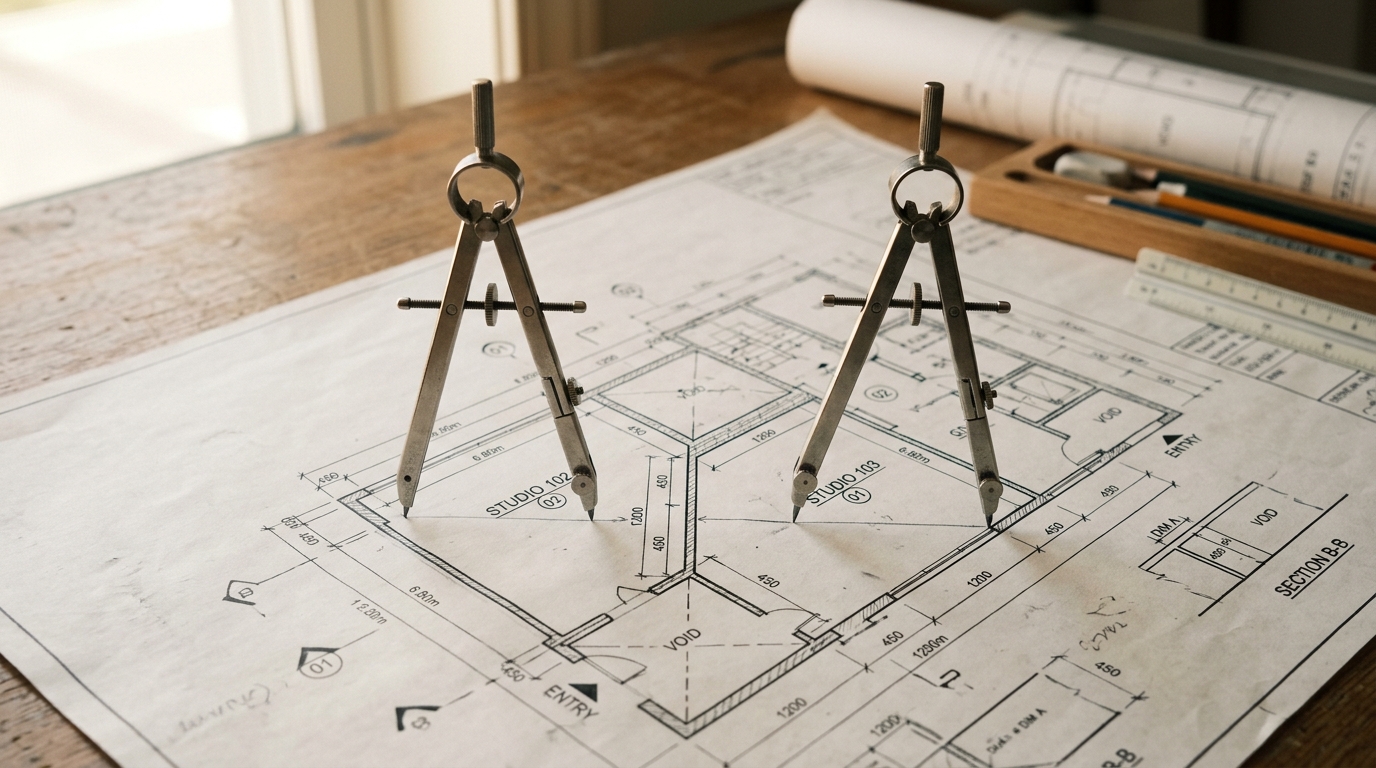
Figure 2: The two-pointer method compares characters inward from both ends with constant auxiliary space.
Check a Palindrome Without Slicing
A two-pointer technique can inspect the original text without building a complete reversed string. One index moves from the beginning and the other moves from the end. Non-alphanumeric characters are skipped, and the current pair is compared without case sensitivity.
def is_palindrome_two_pointer(text: str) -> bool:
    left = 0
    right = len(text) - 1
    found_alphanumeric = False

    while left < right:
        while left < right and not text[left].isalnum():
            left += 1

        while left < right and not text[right].isalnum():
            right -= 1

        if text[left].isalnum() or text[right].isalnum():
            found_alphanumeric = True

        if text[left].casefold() != text[right].casefold():
            return False

        left += 1
        right -= 1

    if left == right and text[left].isalnum():
        found_alphanumeric = True

    return found_alphanumeric

user_text = input("Enter text: ")
print(is_palindrome_two_pointer(user_text))
Sample output:
Enter text: Step on no pets.
True
Both indices move in only one direction, so the method takes O(n) time. It does not create a full normalized or reversed string, giving it O(1) auxiliary space for ordinary character comparisons. For complex Unicode cases where one character expands during case folding, normalize the complete string first for more predictable behavior.
Check a Palindrome Number Without String Conversion
A number can be checked with arithmetic instead of converting it to str. % 10 extracts the last digit, while // 10 removes that digit with floor division. The code keeps the original integer for the final comparison.
number = int(input("Enter a non-negative integer: "))

original_number = number
working_number = number
reversed_number = 0

if number >= 0:
    while working_number > 0:
        digit = working_number % 10
        reversed_number = reversed_number * 10 + digit
        working_number //= 10

is_palindrome_number = (
    number >= 0 and original_number == reversed_number
)

if is_palindrome_number:
    print(f"{original_number} is a palindrome number.")
else:
    print(f"{original_number} is not a palindrome number.")
Sample output:
Enter a non-negative integer: 4554
4554 is a palindrome number.
Zero works because both stored values remain 0. Negative integers return False under the usual coding-problem definition because the minus sign does not appear at both ends.
This loop takes O(d) time for d digits. The algorithm uses a fixed number of variables, so its auxiliary space is O(1). Python integers have arbitrary precision, meaning they can grow beyond fixed 32-bit or 64-bit limits as memory permits. That removes the fixed-width overflow issue found in some languages, though extremely large values still consume time and memory.
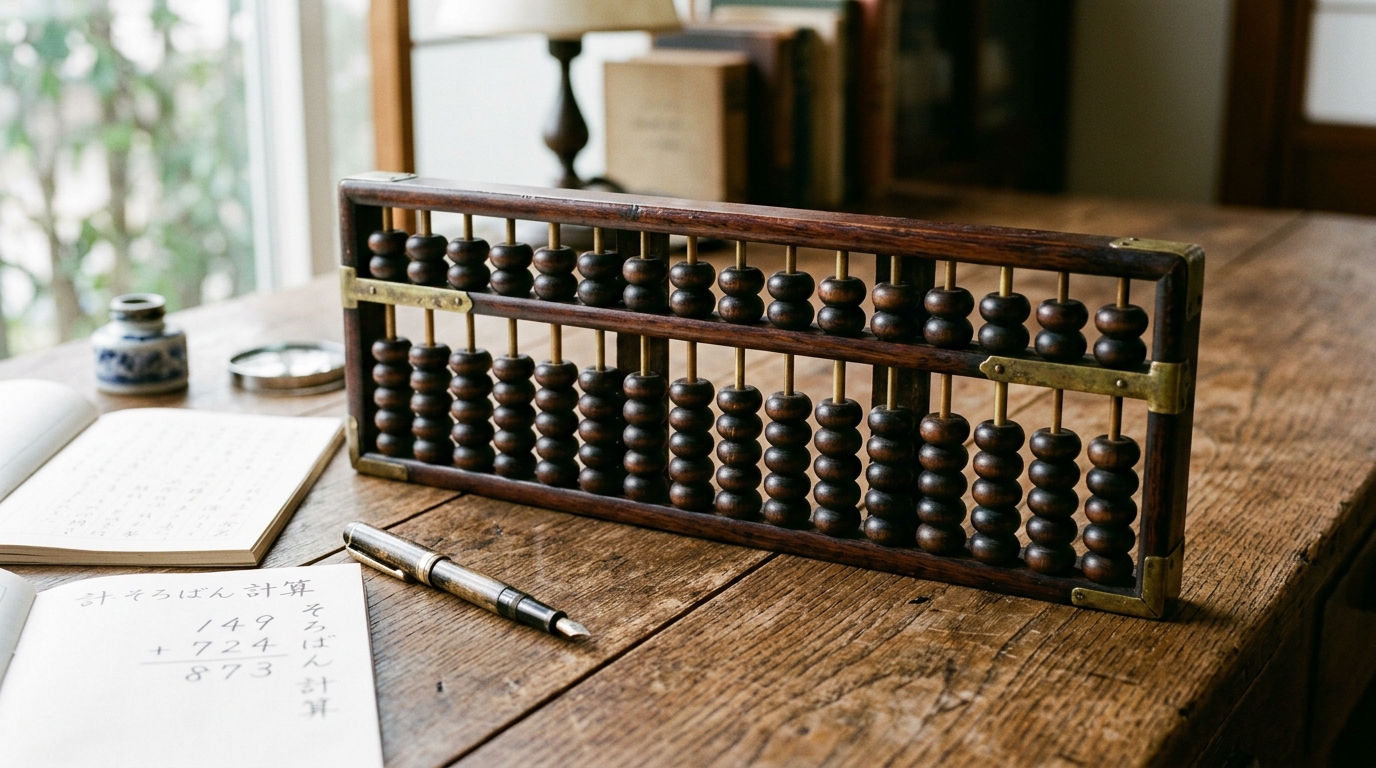
Figure 3: Arithmetic modulo and integer division reverse numbers digit-by-digit without string allocations.
Two More Useful Approaches
The built-in reversed() function returns an iterator. Joining that iterator creates a reversed string:
def is_palindrome_with_reversed(text: str) -> bool:
    reversed_text = "".join(reversed(text))
    return text == reversed_text

print(is_palindrome_with_reversed("redder"))  # True
This approach is explicit and readable, although slicing is shorter. It uses O(n) time and O(n) extra space.
Recursion expresses the problem differently: matching outer characters leave a smaller inner range to check.
def is_palindrome_recursive(
    text: str, left: int = 0, right: int | None = None
) -> bool:
    if right is None:
        right = len(text) - 1

    if left >= right:
        return True

    return (
        text[left] == text[right]
        and is_palindrome_recursive(text, left + 1, right - 1)
    )

print(is_palindrome_recursive("reviver"))  # True
The recursive method takes O(n) time and O(n) call-stack space. It is useful for learning base cases, but iteration is better for very long strings because Python limits recursion depth.
Compare the Main Python Methods
| Method | Main Advantage | Time Complexity | Auxiliary Space |
|---|---|---|---|
text[::-1] | Short and idiomatic | O(n) | O(n) |
reversed() and join() | Explicit reversal | O(n) | O(n) |
| Two pointers | No full reversed copy | O(n) | O(1) |
| Integer arithmetic | Avoids string conversion | O(d) | O(1) |
| Recursion | Demonstrates recursive thinking | O(n) | O(n) |
Use slicing for ordinary Python code, normalized slicing for phrases, two pointers when extra string copies matter, and arithmetic when an exercise specifically requires digit operations.
Test More Than the Successful Example
A checker should be tested against inputs that exercise its rules, not only an obvious palindrome. Include an even-length word, a clear mismatch, mixed case, punctuation, a blank value, and a negative number when integers are supported.
| Test Input | Expected Result Under Normalized Rules |
|---|---|
deed | True |
planet | False |
Top spot! | True |
!!! | False (when empty cleaned text is rejected) |
-4554 | False (for the numeric method) |
These cases reveal whether cleaning, comparison boundaries, and special-input policies behave as intended.
Mistakes That Produce Surprising Results
- Calling
strip()removes characters only from the ends. It does not remove spaces inside a sentence. - Comparing raw input makes punctuation and letter case significant.
- Writing
reversed(text)alone does not produce a string. Join the iterator before comparing it. - Replacing
/with//matters in numeric code because/produces a floating-point value. - A punctuation-only phrase becomes empty after normalization. Decide whether that should return
TrueorFalse. - Deep recursive calls may raise
RecursionError, even when the algorithm is logically correct.
Frequently Asked Questions
What is the shortest way to check a palindrome in Python?
For a string that needs no cleaning, use text == text[::-1]. It compares the original string with a reversed copy made by slicing. Convert the text with casefold() first if uppercase and lowercase letters should be treated as equal.
How can I check a string palindrome using a for loop?
Loop through only the first half of the string. At index i, compare text[i] with text[-i - 1]. Return False as soon as a pair differs. If the loop finishes, return True. This avoids checking every pair twice.
Does Python have a built-in palindrome function?
Python has no dedicated palindrome function. It provides the tools needed to create one, including slicing, reversed(), join(), string methods, loops, and comparisons. A small is_palindrome() function is normally clearer than repeating the same expression throughout a program.
How do I ignore spaces and punctuation?
Build a cleaned value with "".join(character.casefold() for character in text if character.isalnum()). This retains letters and digits, removes other characters, and performs Unicode-aware case normalization. Compare the cleaned string with its reverse.
Can a negative number be a palindrome?
Most programming exercises say no. The value -4554 includes a minus sign at the beginning, so its written form is not identical in reverse. A custom application could compare only the absolute digits, but that is a different rule and should be stated clearly.
Is slicing faster than a loop?
Both approaches have O(n) time complexity. Slicing is concise and its main work runs in optimized Python internals, but it creates a reversed copy. A manual two-pointer loop can avoid that full copy and stop early after finding a mismatch.
Select the Method That Fits the Rule
The most useful palindrome Python solution is not always the shortest one. Slicing is ideal for a clean word, normalization handles natural phrases, two pointers control memory use, and arithmetic exposes how numeric reversal works. Define what characters count, choose the matching method, and test empty, mixed-case, punctuated, and negative inputs before considering the checker complete.
Check Your Own Words & Numbers
Test any word, sentence, date, or number with our interactive palindrome tool. Automatically normalizes punctuation, spaces, and casing.
Related Articles
Explore more in-depth guides and analysis.

Palindrome Program in Java: How to Check a Palindrome With Examples
Learn how to build a palindrome program in Java for numbers and strings using loops, StringBuilder, two pointers, and recursion.
What Is a Palindrome? Meaning, Types, and Examples
What is a palindrome? Learn its meaning, pronunciation, types, and clear examples using words, phrases, names, numbers, dates, and times in simple language.

Numbers That Are Palindromes: Examples, Patterns, and Facts
Learn which numbers are palindromes, see clear examples and digit patterns, count them by length, and understand primes, squares, zero, and key rules.